
How To Use Surflix App In 2026 (Quick And Easy Streaming Guide)
Surflix is a simple entertainment app that allows users to watch movies TV shows and live channels in one place. Many users install the app but do not fully understand how to use all its features. Because of this they miss out on better viewing options or face small issues like buffering or difficulty finding content. Learning how to use Surflix properly can improve your overall experience and make everything smoother.
Getting Started With Surflix
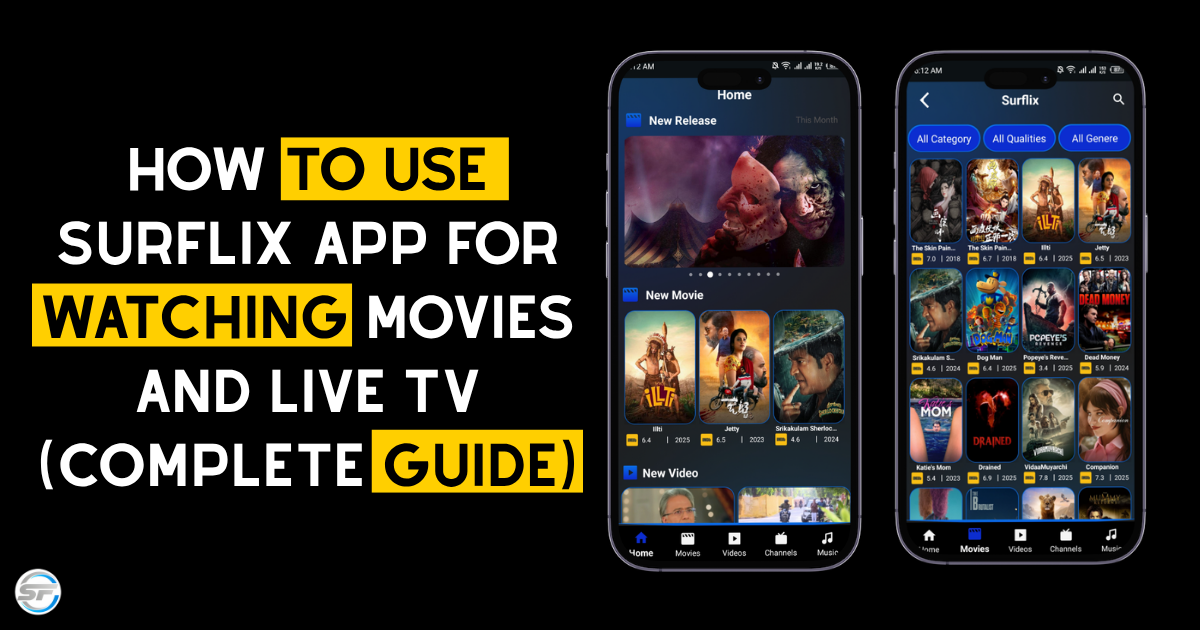
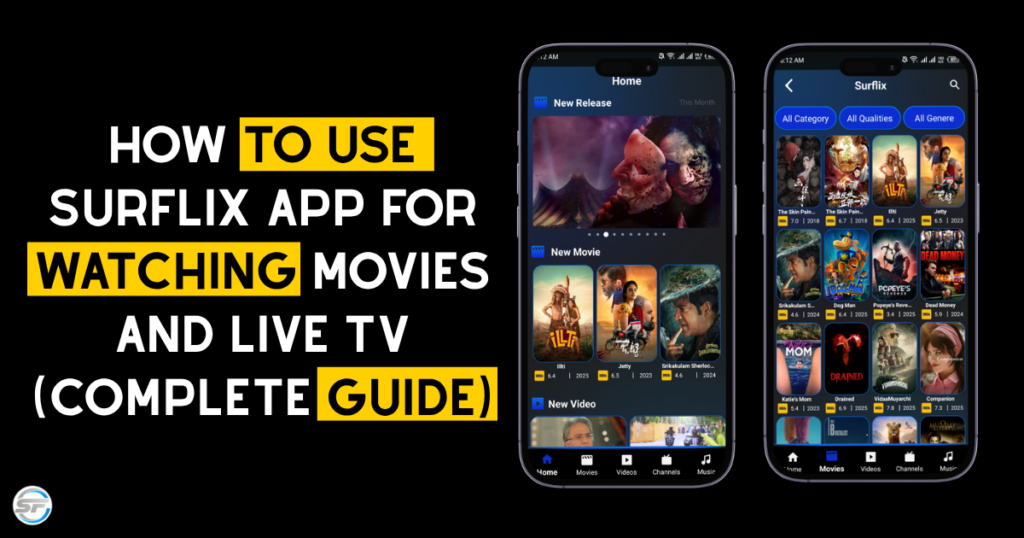
Once you install Surflix open the app and take a few minutes to understand its layout. The interface is simple and designed for easy navigation. You will usually see different sections like movies TV shows and live channels on the home screen.
The main idea is to keep everything organized so users do not get confused. Instead of searching randomly you can directly go to the category you want. This saves time and makes the app more user friendly.
What You Can Watch On Surflix
Surflix provides different types of content so users do not need multiple apps. You can explore a variety of options in one place:
- Movies from different genres like action drama comedy and horror
- TV shows and drama series from different regions
- Live TV channels including news sports and entertainment
- Music and video content for casual watching
- Content from different countries with multiple language options
How To Find Movies And Shows Easily
Finding content in Surflix is simple if you follow a basic approach. Instead of scrolling randomly try to use categories and sections provided in the app. Movies and shows are usually grouped by type or genre which makes searching easier.
Choosing The Right Video Quality
One common mistake users make is selecting high video quality even when their internet is not strong. This can cause buffering and interruptions. Surflix provides different quality options so you can choose what works best for your connection.
Importance Of Stable Internet Connection
Streaming performance depends heavily on your internet connection. Even a good app cannot work properly on a weak network. If videos are loading slowly or stopping again and again then the issue is usually with the connection.
Using WiFi or a stable network can improve your experience significantly. If you are using mobile data try switching to a better signal area. A stable connection ensures smooth playback without interruptions.
Using Live TV Feature
Surflix is not limited to movies and shows. It also includes a live TV feature which allows users to watch channels in real time. This is useful for watching news sports events or live programs.
You can open the live section inside the app and browse available channels. The experience is similar to watching TV but with the flexibility of using it on your device. This feature adds more value to the app and makes it more versatile.
Offline Viewing Option
Another useful feature in Surflix is offline viewing. Sometimes users do not have access to internet all the time especially while traveling. In such cases downloading content can be very helpful.
Keeping The App Updated
Using the latest version of Surflix is important for better performance. Updates usually include bug fixes improvements and small changes that make the app more stable.
If you are using an outdated version you may face issues like slow loading or errors. Keeping the app updated ensures that you are getting the best experience possible. It also helps avoid unnecessary problems while streaming.
Fixing Common Issues In Surflix
Sometimes users face small problems while using Surflix. These issues are usually easy to fix if you follow basic steps:
- Clear the app cache from settings
- Restart your device to refresh performance
- Switch between WiFi and mobile data
- Make sure you are using a supported network
- Update the app to the latest version
Most of the time these simple steps solve common problems without needing anything complicated.
Tips For Better Streaming Experience
To get the best experience from Surflix it is important to follow some basic tips. These small things can make a noticeable difference:
- Always use a stable internet connection
- Close unnecessary background apps
- Select video quality according to your speed
- Keep your device and app updated
- Avoid switching networks frequently
Conclusion
Surflix is designed to provide a simple and convenient way to watch movies TV shows and live channels. By understanding how to use its features properly you can improve your experience and avoid common issues. From exploring content to adjusting quality and fixing small problems everything becomes easier once you know how the app works.
Frequently Asked Questions
How to use Surflix app for the first time
Open the app explore categories and start watching content from the home screen.
What type of content is available on Surflix
Movies TV shows live channels music and different types of entertainment content.
Why is Surflix buffering
Buffering usually happens due to slow or unstable internet connection.
Can I watch live TV on Surflix
Yes the app includes a live TV section with different channels.
Does Surflix support offline viewing
Yes you can download content and watch it later without internet.
How to fix Surflix not working issue
Try clearing cache restarting device or switching network.